



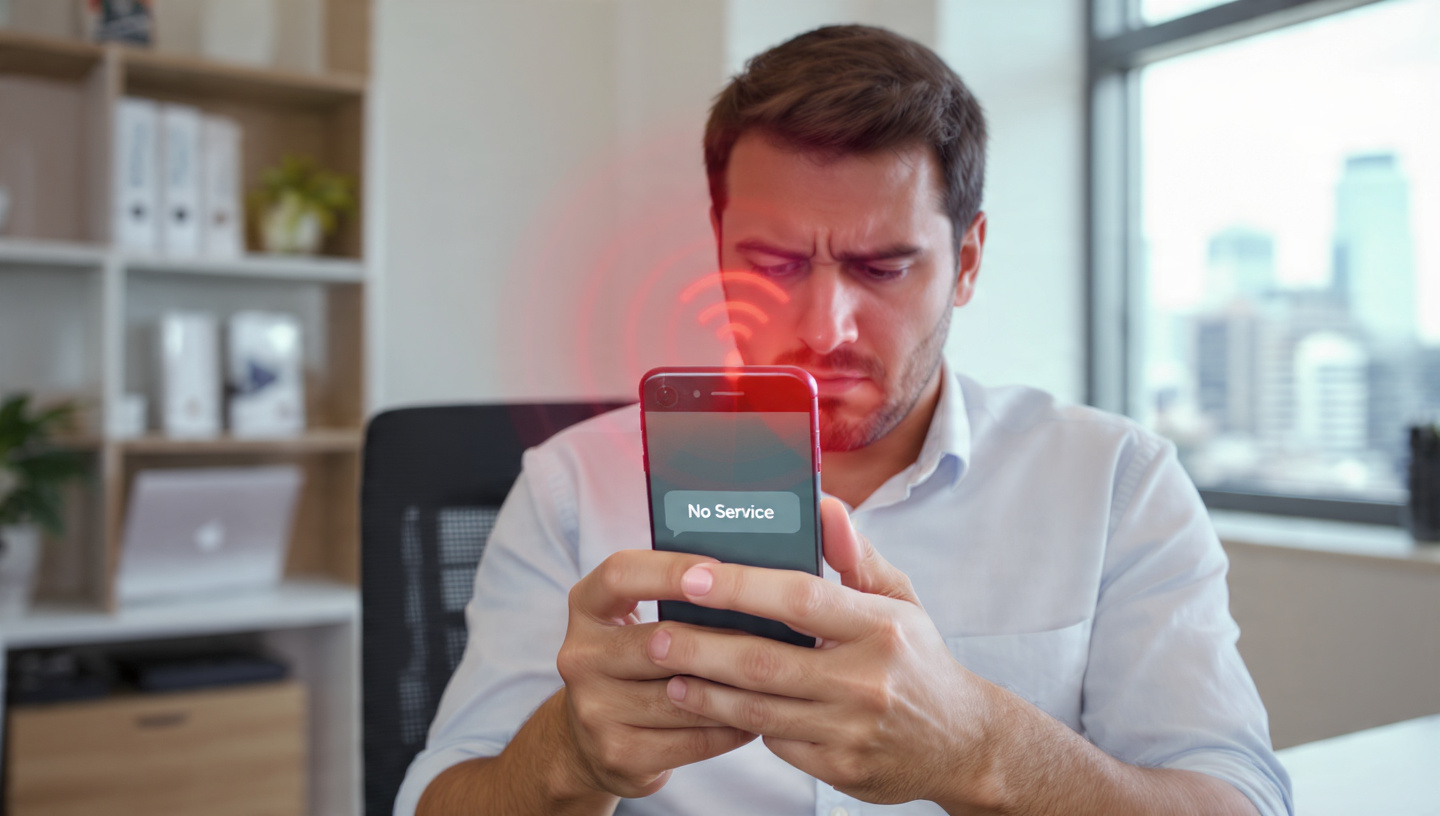
Few things are more frustrating than seeing a red phone signal on your device, indicating weak or no connectivity. Whether it’s during a crucial call, sending an urgent message, or accessing the internet, connection problems can disrupt your daily life.
- What Does a Red Phone Signal Mean?
- Common Causes of a Red Phone Signal
- 1. Network Coverage Issues
- 2. SIM Card Problems
- 3. Software Glitches
- 4. Carrier or Outage Issues
- 5. Hardware Damage
- Proven Solutions to Fix a Red Phone Signal
- 1. Check Your Coverage
- 2. Restart Your Phone
- 3. Reinsert or Replace the SIM Card
- 4. Reset Network Settings
- 5. Update Your Device
- 6. Use Wi-Fi Calling
- 7. Contact Your Carrier
- 8. Consider a Signal Booster
- Preventive Tips for Avoiding Red Phone Signal Problems
- Final Thoughts
This guide explains why the red phone signal occurs, common causes, and proven solutions to fix it quickly. By the end, you’ll know how to restore your phone’s connectivity and prevent future issues.
What Does a Red Phone Signal Mean?
A red phone signal generally indicates poor network connectivity or complete disconnection from your cellular provider. Depending on your device and carrier, it could appear as:
-
A red bar in the signal indicator
-
A “No Service” message
-
A red phone icon during calls
It’s essentially your device telling you that it cannot establish a stable connection to the network.
Common Causes of a Red Phone Signal
1. Network Coverage Issues
The most common cause is being in an area with weak cellular coverage. Remote locations, underground areas, or buildings with thick walls can block signals.
2. SIM Card Problems
A damaged, incorrectly placed, or malfunctioning SIM card can prevent your phone from connecting to the network, triggering a red signal.
3. Software Glitches
Phones occasionally experience software or firmware bugs that interfere with network connectivity. Outdated operating systems or corrupted network settings can also cause this issue.
4. Carrier or Outage Issues
Sometimes, the problem is beyond your phone. Network outages, maintenance, or heavy congestion on your carrier’s system can trigger a red phone signal.
5. Hardware Damage
Physical damage to your device—like a broken antenna, water damage, or internal faults—can disrupt connectivity.
Proven Solutions to Fix a Red Phone Signal
1. Check Your Coverage
-
Move to an open area or higher ground to get better signal reception.
-
Avoid basements or buildings with metallic walls that block signals.
-
Use your carrier’s coverage map to see if your area has known network issues.
2. Restart Your Phone
A simple restart can refresh your phone’s network connections and resolve minor software glitches.
Steps:
-
Power off your device.
-
Wait 30 seconds.
-
Power it back on.
3. Reinsert or Replace the SIM Card
-
Turn off your phone.
-
Remove and carefully reinsert the SIM card.
-
If the SIM is old or damaged, request a replacement from your carrier.
4. Reset Network Settings
Resetting network settings can fix persistent issues:
-
On iOS: Settings → General → Transfer or Reset iPhone → Reset → Reset Network Settings
-
On Android: Settings → System → Reset Options → Reset Wi-Fi, Mobile & Bluetooth
This clears stored Wi-Fi networks, Bluetooth pairings, and cellular settings, often restoring connectivity.
5. Update Your Device
Ensure your phone has the latest software updates installed. Manufacturers often release updates to fix bugs and improve network performance.
6. Use Wi-Fi Calling
If cellular signals remain weak indoors, enabling Wi-Fi Calling allows your phone to make calls and send messages over a Wi-Fi network instead of the cellular network.
7. Contact Your Carrier
If none of the above solutions work:
-
Call your carrier’s support line
-
Report persistent signal issues or request a network check
-
Ask about signal boosters or coverage improvement options
8. Consider a Signal Booster
For homes or offices with consistently poor reception, a cellular signal booster can amplify weak signals, reducing the occurrence of red phone signals.
Preventive Tips for Avoiding Red Phone Signal Problems
-
Keep software up to date
-
Regularly check SIM card condition
-
Use your carrier’s coverage map before traveling
-
Avoid physical damage to your device
-
Consider dual SIM options for backup connectivity
Final Thoughts
A red phone signal is not just a minor annoyance—it can disrupt communication and productivity. Fortunately, most connectivity problems have fast, proven solutions, from simple software resets to signal boosters.
By understanding the causes and applying these tips, you can restore your connection quickly and enjoy uninterrupted mobile service.
