



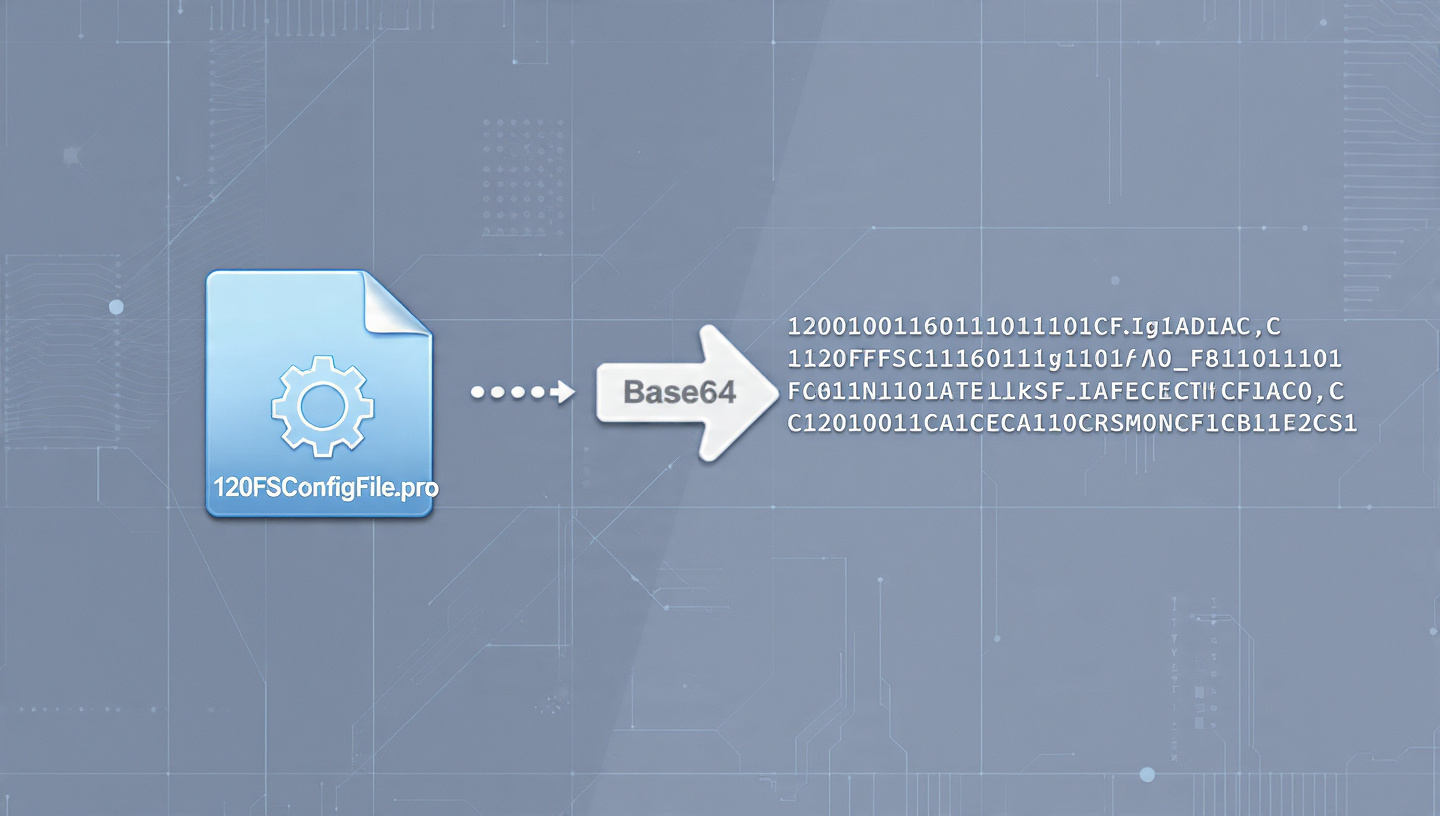
The 120FPSConfigFile.pro Base64 Encoder & Decoder Online is a simple yet powerful browser‑based utility designed to help users convert between readable text and Base64‑encoded strings. Many people first encounter this tool when they encounter long, jumbled character strings in configuration files, scripts, or data fragments that look unintelligible at first glance. These strings often appear because Base64 is a common encoding format used in software systems today. Instead of struggling to decipher such data manually, users rely on a Base64 converter to instantly reveal the underlying content.
Despite what its name might suggest, this tool does not boost game performance, improve frame rates, or change system settings. Instead, its sole purpose is to make encoded data understandable and editable without software installation or technical expertise. As an online utility, it runs fully in your web browser — meaning there is no server‑side processing, no account creation, and no downloads required.
What Is Base64 Encoding and Why It Matters
Base64 encoding is a binary‑to‑text scheme that represents binary data — like text, files, or images — as a string of printable characters. It uses a specific set of 64 characters (letters, digits, and a few symbols) to encode data in a way that works reliably across text‑only systems such as emails, URLs, web forms, and configuration files.
The key benefit of Base64 is compatibility. Many systems cannot safely handle certain binary content or special characters, so converting data into a Base64 string ensures it remains intact when transmitted or stored in environments that only support text. However, it’s important to note that Base64 is not a form of encryption; it does not provide security or privacy — it simply re‑represents data in plain text. Anyone with access to a Base64 decoder can revert the encoded content back to its original form.
How the Base64 Encoder & Decoder Works
Using the Base64 Encoder & Decoder on 120FPSConfigFile.pro is extremely straightforward. You simply paste the text you want to convert into the input box, choose whether you want to encode or decode, and the tool performs the conversion instantly. The entire process happens locally in your browser, which means your data does not leave your device.
When you encode text, the tool takes your input and transforms it into a Base64 string using a standardized algorithm. Each group of input bytes is broken into smaller pieces and mapped to a predetermined set of Base64 characters. Conversely, when you decode a Base64 string, the tool reconstructs the original sequence of bytes and displays the human‑readable text.
Because the conversion algorithm is well established across technology platforms, the results you get from the tool are consistent and reliable with other Base64 systems and libraries.
Why Users Encounter Base64 Strings
Users often see Base64‑encoded text in unexpected places, such as configuration files, API data, shared code snippets, or embedded content. This happens because many applications and systems use Base64 to ensure the safe handling of data where direct binary content could break parsing or cause errors.
Configuration files for software and games, in particular, may include Base64‑encoded settings or keys embedded directly inside text. When a developer, administrator, or hobbyist encounters such strings, they frequently want to know what the content actually represents before editing or using it. A Base64 converter makes this decoding process fast and accessible, even for users who lack deep technical experience.
Common Misconceptions About the Tool
A major misconception about this utility stems from the “120FPS” portion of its name. Many users assume the tool is related to gaming performance — specifically “120 FPS” as in frames per second — and that it might help optimize graphics or system behavior. In reality, the name is likely tied to the kinds of files users encounter (such as configuration files used in games or software) rather than any performance‑related function. The tool itself has no ability to enhance graphics performance or affect hardware settings.
Understanding this distinction is crucial. Using a Base64 converter will never change how your system performs; it simply reveals or generates human‑readable data.
Security and Privacy Considerations
Online Base64 tools like the one on 120FPSConfigFile.pro are generally safe for normal data transformation use because all processing happens in your browser and no user data is stored or transmitted to remote servers. This means you can decode or encode text without worrying about external data storage.
However, good digital practice dictates that you avoid pasting sensitive or confidential information into any online tool. Base64 is not encryption, and while browser‑only tools reduce some risks, they should never be treated as secure storage or privacy mechanisms.
Who Can Benefit From Using This Tool
The Base64 Encoder & Decoder is useful for a wide range of users. Web developers working with embedded data or APIs may need to encode or decode message payloads. Software engineers and system administrators often encounter Base64 strings in logs or configuration files. Even students and beginners can benefit by using the tool to see how encoding works in practice and explore data handling in modern digital systems.
Its simplicity and browser‑based execution make it accessible to anyone who needs quick conversions without software installation, coding skills, or technical setup.
Conclusion: Practical Use and Value
In summary, the 120FPSConfigFile.pro Base64 Encoder & Decoder Online is a straightforward, browser‑based utility for converting between plain text and Base64‑encoded strings. It exists to help users interpret encoded data, debug configuration files, and experiment with data formats without technical barriers. The tool does not influence performance or hardware behavior, and its value lies in clarity, convenience, and accessibility. By understanding what the tool does and what it does not do, users can apply it effectively for work, learning, and troubleshooting encoded content.
