



SFM Compile is one of the most important steps in working with Source Filmmaker.
- Understanding What SFM Compile Actually Does
- Why SFM Compile Is Essential for Beginners
- Basic Files Used in SFM Compile
- Tools You Need for SFM Compile
- Simple Step-by-Step SFM Compile Process
- Common Beginner Mistakes in SFM Compile
- Tips to Make SFM Compile Easier
- Moving from Beginner to Advanced Compile Work
- Conclusion
It is the process that converts your raw project files into usable assets inside the software.
Without compiling, your models, textures, and maps will not function correctly in SFM.
For beginners, this process may seem technical at first, but it becomes much easier once you understand the workflow.
This guide is designed to make SFM compile simple, practical, and beginner-friendly.
Understanding What SFM Compile Actually Does
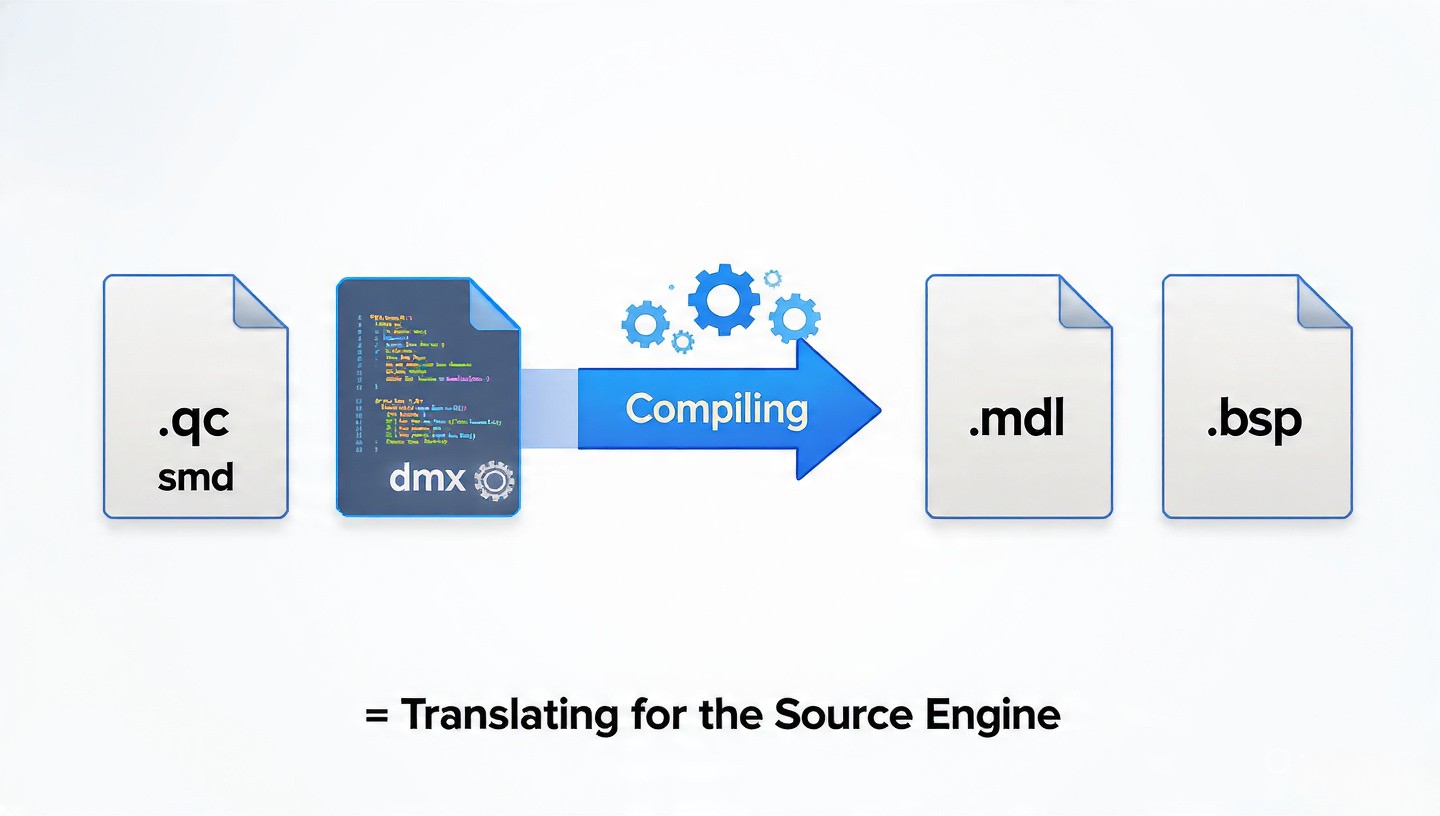
At its core, SFM compile is a conversion process.
It takes editable source files and transforms them into optimized game-ready formats.
For example, a model file written in .qc and .smd is compiled into a .mdl file.
Similarly, textures are converted into .vtf files that SFM can render efficiently.
This process ensures that everything runs smoothly inside the Source Filmmaker environment.
Why SFM Compile Is Essential for Beginners
Many beginners try to import assets directly into SFM without compiling them.
This usually results in missing models, broken textures, or errors during loading.
Compiling fixes these issues by preparing assets in a format the engine understands.
It also improves performance and ensures stability during animation and rendering.
Learning compile early will save you a lot of frustration in future projects.
Basic Files Used in SFM Compile
To understand compiling, you need to know the main file types involved.
Each file plays a specific role in the process and final output.
Model Source Files
These include .qc scripts and .smd or .dmx model data.
They define how a model looks, moves, and behaves in SFM.
Texture Files
Textures are usually created in .png or .tga format.
They are compiled into .vtf files and paired with .vmt material scripts.
Map Files
Maps start as .vmf files created in Hammer Editor.
They are compiled into .bsp files, which SFM uses as environments.
Tools You Need for SFM Compile
To compile assets, you need specific tools from the Source SDK or SFM installation.
The most important tool for models is studiomdl, which processes .qc files.
For textures, tools like vtex convert images into usable material formats.
Map compilation uses vbsp, vvis, and vrad to build and optimize environments.
These tools work together to turn raw assets into functional SFM content.
Simple Step-by-Step SFM Compile Process
The compile process can be broken into a few easy steps.
First, you prepare your files and ensure everything is properly organized.
Correct file paths and naming are very important at this stage.
Next, you run the appropriate compile tool depending on your asset type.
For models, you execute the .qc file using studiomdl to generate the final model.
After compiling, you load the asset into SFM to test it.
If errors appear, you adjust your files and compile again until everything works correctly.
Common Beginner Mistakes in SFM Compile
One of the most common mistakes is incorrect file paths.
If SFM cannot find textures or models, they will appear missing or broken.
Another issue is syntax errors in .qc files, which can stop compilation completely.
Beginners also forget to include required texture references in .vmt files.
Reading error logs carefully helps you identify and fix these problems quickly.
Tips to Make SFM Compile Easier
Keeping your project folders organized is one of the most important habits.
Separate models, textures, and scripts into clearly labeled directories.
Always test small changes instead of compiling large projects at once.
This makes it easier to find and fix errors when something goes wrong.
Using community guides and sample projects can also help you learn faster.
Moving from Beginner to Advanced Compile Work
Once you understand the basics, you can start exploring advanced techniques.
This includes optimizing models for performance and improving texture quality.
You can also modify .qc files to control animations and physics behavior.
Advanced users often fine-tune map compilation settings for better lighting and detail.
These skills help you create more professional and cinematic SFM projects.
Conclusion
SFM Compile may look complicated at first, but it becomes simple with practice.
It is an essential skill for anyone who wants to create custom content in Source Filmmaker.
By understanding file types, tools, and the basic workflow, you can avoid common errors.
With time and experience, compiling becomes a smooth and natural part of your creative process.
